

Industries
Videography and photography for Connecticut industries
Each page explains what buyers in that field want to know, and which videos help answer it.
Choose your industry
Each industry page shows the videos that fit your field, with a link to the full page for each one.

Healthcare
Help patients meet your providers and know what to expect before the first visit.
See videos for healthcare
Law
Help clients see how you speak and listen before they pick up the phone.
See videos for law
Professional services
Make an expert service easy to understand and easy to trust.
See videos for professional services
Construction
Show the crew, the process and the safety standards behind your work.
See videos for construction
Manufacturing
Explain your process, protect your people and attract the next generation of talent.
See videos for manufacturing
Or start with the type of video
Every video type has its own page.

Promotional video
Explain what you do and why customers should care.
See this video type
Training and onboarding video
Teach a process once so your team can use it again.
See this video type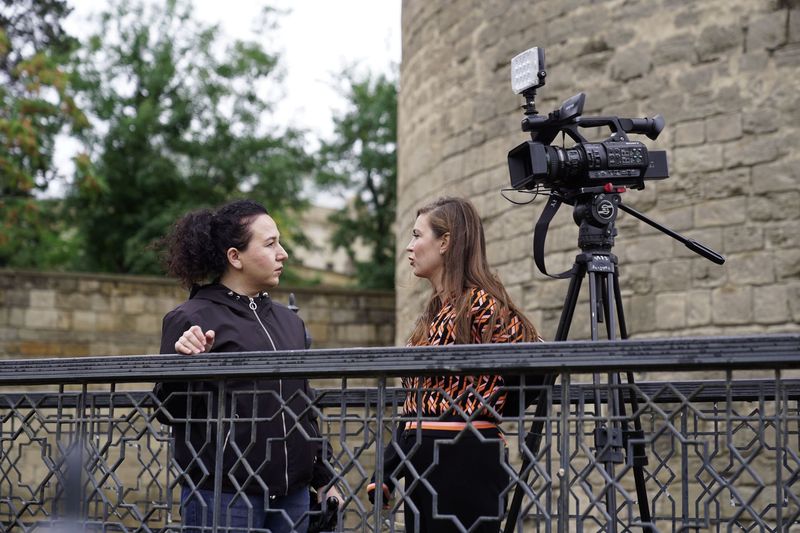
Testimonial video
Let your customers explain what working with you is like.
See this video type
Safety video
Clear, memorable safety instruction for your workplace.
See this video type
Explainer video
Make a complicated service or idea easy to understand.
See this video type
Brand story video
Tell where you came from and why you do the work.
See this video type
Recruiting and company culture video
Show candidates what working with you is really like.
See this video type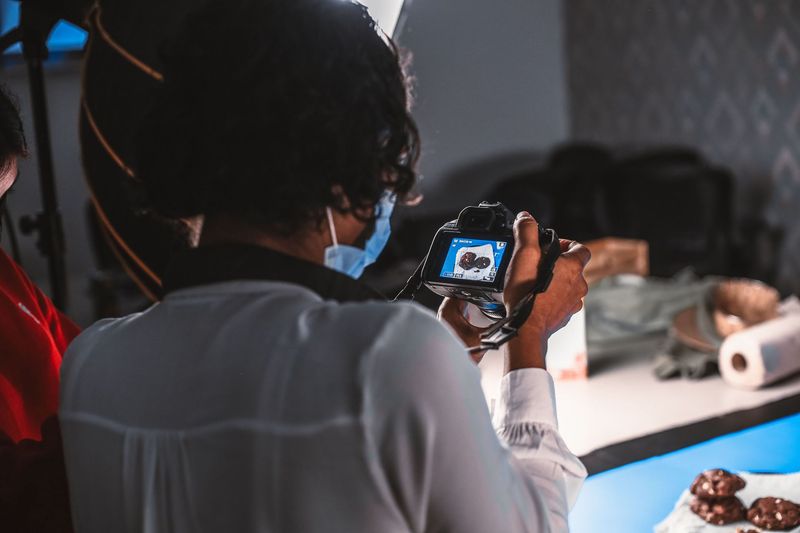
Product and process video
Show how your product works or how the work gets done.
See this video type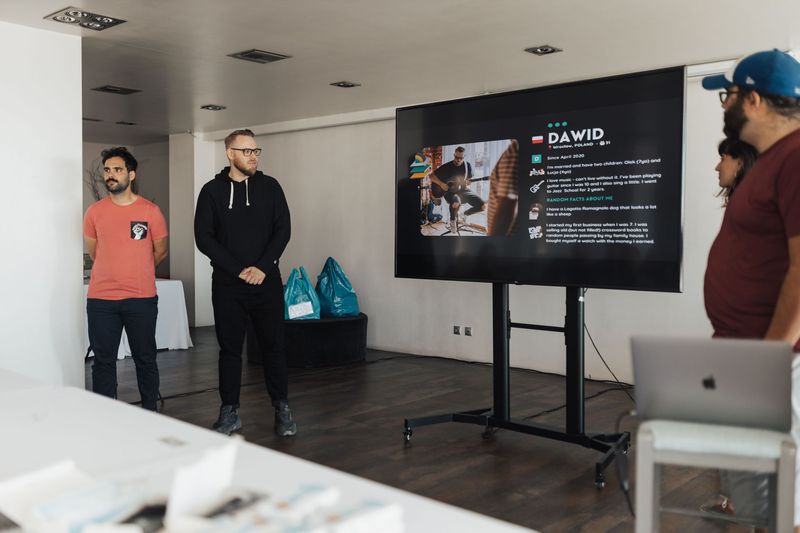
Leadership message video
Give owners and executives a clear, human way to speak.
See this video type
Planning by industry
How industry rules and expectations shape a video or photo project
The industry pages above show which videos suit each field. This guide covers what sits behind those choices: the constraints that make healthcare, law, professional services, construction and manufacturing different from one another, how to plan around them, and the questions to settle before anyone picks up a camera. It is planning advice. It is not legal, medical or regulatory advice, and you should check your own obligations with the right professionals.
Why the industry changes the plan
A video for a restaurant and a video for a law firm may use the same cameras, but the planning is very different. The people who watch them want different things, the rules about what can be said and shown differ, and the people who must approve the finished piece are not the same. Treating every project as generic leads to delays late in the process, when someone raises a concern that could have been handled at the start.
Three questions help in any field. Who is the audience and what are they worried about? What must not appear or be said? Who has the authority to approve the final version? Answering them early shapes the script, the location, the schedule and the budget.
The sections below apply those questions to the five industries we have pages for. If your field is not among them, the same questions still apply, and you can describe your situation through the contact page.
Healthcare: privacy first, then warmth
People choosing a healthcare provider are often anxious. They want to know who they will see, what the visit involves and whether the place feels safe. Video and portraits can answer these questions in a calm voice, which is why provider introductions, office tours and plain-language explainers are the common choices. See the healthcare page for examples of what fits.
Privacy shapes the plan. Patients should appear on camera only with their written permission, and the safest approach is often to record when patients are not present, or in areas where they will not be seen. Screens, charts, labels and paperwork can reveal information, so the location is checked and cleared before shooting. Staff should also agree to appear.
Wording matters as well. Claims about outcomes, comparisons with other providers and promotional language may be subject to rules that vary by profession and state. We do not give compliance advice, so have the script reviewed by whoever handles that in your practice. Plan for review time in the schedule.
Law: trust, clarity and careful claims
Clients often contact a lawyer in a difficult moment. They want to see how you speak and whether you listen. A short video of an attorney explaining how the firm works, or a set of consistent portraits, helps people feel they know who they are calling. The law firm page describes formats that suit this.
Advertising rules for attorneys vary by jurisdiction and may cover what can be said about results, specialties and testimonials. The responsible approach is to have the script and the finished video reviewed against the rules that apply to you before publishing. Build that review into the timeline, and do not leave it for the day before launch.
Confidentiality is a second concern. Shooting in an office should avoid files, screens and conversations that reveal client information. Client testimonials need explicit permission and a careful look at what may be said. Many firms find that a calm, plain video about how the firm works is more valuable than anything that sounds like a promise.
Professional services: showing the people behind the work
Accountants, consultants, financial advisors, architects and similar firms sell expertise that clients cannot see directly. What they can see is the people. Portraits, short introductions from each partner and a video that explains how the firm approaches a typical engagement help clients judge fit before the first meeting. The professional services page outlines the usual formats.
Consistency matters. A team page with portraits made in different years and styles can look careless, while a set made in one session looks organized. If you have new hires coming, consider how photographs will be updated and whether a repeat session makes sense. The blog post on matching new headshots to existing photos discusses this.
Regulated professions may have rules about testimonials and comparisons. As with law and healthcare, check them before you plan the script. Explaining your process is almost always safe and helpful; promising results rarely is.
Construction: safety, access and real work
Construction companies want to show skill, scale and reliability. The most convincing material comes from real sites and real crews: finished projects, work in progress and short profiles of the people who do the work. The construction page describes formats such as project showcases and recruiting videos.
Safety shapes everything. Shooting on an active site requires coordination with the site manager, adherence to safety rules, protective equipment where required and awareness of moving equipment. Plan the schedule around work, not the reverse, and agree on areas that are off limits. For projects with several parties, find out who must give permission before shooting begins.
Timing is another factor. Sites change quickly, so a plan to record a finished space should be set for when it is ready, and a plan to record progress should be set for stages that show change. Recruiting videos benefit from crews who are willing and comfortable on camera; ask them in advance and give them a chance to opt out.
Manufacturing: process, equipment and confidentiality
Manufacturers have stories that are hard to explain in words: how a product is made, how quality is checked and how many steps lie behind a finished part. Video can show process and scale in a way that photographs cannot. The manufacturing page covers formats including capability videos, product demonstrations and recruiting.
Confidentiality is often the main constraint. Some processes, designs and customer parts cannot appear on camera. Agree in advance on what may be shown, mark areas that must be avoided and have a representative review footage before anything is shared. Branding and labels on customers' parts may need to be hidden.
Safety and noise are practical matters. Factory floors have noise, moving machinery and rules about footwear, glasses and hearing protection. Recording clear sound is hard in loud environments, so interviews are often recorded in a quiet room, while the factory provides the visuals. Our safety video page and training video page describe formats that suit such spaces.
Approvals that cross industries
Whatever the field, the same few approvals come up. Someone must approve the script or outline. Someone must approve what is shown on location. People who appear must agree. Someone must approve the final cut. In a small company these may all be the same person; in a larger one they are often different people, and in regulated fields there may be an additional compliance review.
Name them at the start. Put the names and the order in a short document, and share it with the team. When feedback arrives from several people, one person should merge it into a single list. The post on approval workflows for corporate video explains how to do this without confusion.
Allow time for each step. A review that takes a week in a busy practice will not become a day because the launch is near. Dates that include review time are realistic; dates that ignore it are the ones that slip.
People on camera: consent, comfort and coaching
In every industry, people who appear on camera should agree to do so, and should be comfortable. Ask in advance, explain what will be recorded and where it will be used, and make it easy to decline. Written permission is wise for anyone who is not an employee, and employers should know their own rules about employee images.
Comfort improves the result. Many people find cameras uncomfortable, and the best footage often comes from conversations rather than scripts. Short questions asked in a relaxed setting, a few practice takes and a clear explanation of what happens next all help. The post on preparing for a corporate video shoot offers more suggestions.
Think about how long images will remain in use. Staff leave, patients move on and clients change. A plan to refresh or remove content when circumstances change protects everyone. Decide who will review the library and how often.
Choosing the right format for your field
Industry pages list formats, and the right choice depends on the question you want the video to answer. If the question is who are you, choose introductions and portraits. If it is how do you work, choose a process video or an explainer. If it is can I trust you, choose a client perspective, where permitted, or a clear explanation from a leader. If it is why should I work here, choose a recruiting video.
Length follows purpose. A short introduction on a profile page may be one minute; a training video may run longer because viewers need the information. Do not stretch a short story or squeeze a long one. The video types section shows the range of formats, each with its own page.
Think about where each video will live. A video for a home page, one for a profile page, one for a recruiting page and one for social media may share material but not the same edit. Plan the versions at the start so the shoot captures what each needs.
Shoot-day logistics that differ by workplace
A clinic, an office, a job site and a factory floor each need a different kind of preparation for the day itself. In a clinic, the question is when rooms are empty and which areas are private. In an office, it is which meeting rooms are free and whether the team can pause calls. On a job site, it is who escorts the crew and which areas are active. On a factory floor, it is which lines can stop and which must keep running.
Name one person who knows the building and can answer small questions as they arise. Send the crew parking and entry instructions, a list of who will be on site and any required safety orientation. Tell staff the date and what to wear. People who know what is happening are relaxed, and relaxed people appear better on camera.
Leave time for setup and for unexpected delays. Interviews need a quiet space, lighting needs a few minutes to place and people are sometimes pulled away for real work. A schedule with a little slack always runs better than one packed to the minute.
Using the finished work after the shoot
Finished video and photographs are most valuable when they are used in several places, not only on a home page. A provider introduction can appear on a profile page, in an email to new patients and in a recruiting message. A project showcase can appear on a service page, in a proposal and on social media. A process video can open a sales conversation or support a bid.
Plan those uses before the shoot so that the right formats are captured: a horizontal video, a vertical cut, a still frame for a thumbnail and a few photographs for text pages. Decide who owns the library, where files are stored and who may use them. Without someone responsible, good material can sit unused for months.
Revisit the material from time to time. Staff change, offices are renovated and services evolve. A short annual review of what is on your site tells you what to refresh, and a small update is usually easier than a full rebuild.
Scoping and budgeting without a price list
We do not publish a price list, because scope drives the cost and scope varies by field. A multi-site construction company and a single-office law practice may want similar videos, but the days, crew and approvals differ. The factors that matter most are the number of locations, the number of people on camera, the number of finished items and the level of review.
When you describe your project, include those four factors and the date you need the work. If you have a budget range, share it so the plan can be shaped to fit. If you are comparing providers, compare deliverables and coverage as well as price. The pricing guide for Connecticut videography explains what drives costs in more detail.
Getting started in your industry
Begin by writing down the audience, the question they are asking, the constraints in your field and the people who must approve the work. That page of notes is the most valuable thing you can bring to a first conversation, and it lets us respond with a specific plan.
Then choose the industry page closest to your field, read the formats listed there and note the ones that fit. If your field is not listed, tell us about it. The services page lists everything offered, and the blog has planning posts by topic. When you are ready, use the contact page to share your notes.
Not sure which video fits your business?
Tell us what you want to make and where it will be used. We will talk through the plan with you.