Social media
Employee personal-brand video: a content plan for your team
How a company can keep one clear identity while letting each employee speak in their own voice, with a four-week plan for individual bio videos, answers, process clips and recurring posts.
By Tyler Rivera 8 min read
Most company websites and feeds speak with one voice, and it is usually nobody's in particular. Customers, though, do business with people. They want to know who they will talk to, who will do the work and whether that person seems easy to deal with. This guide is for owners and marketing leads who want to give each employee a recognisable presence while keeping the company itself consistent.
The idea is simple. The company decides what stays the same: the look, the standards and the topics. Each employee then adds what only they can: their way of explaining things, their sense of humour, their experience. When it works, a customer can find the person who fits their question and the company still looks like one organisation.
What an employee personal brand means for a company
A personal brand, in this sense, is not self-promotion. It is the impression a person leaves when they appear on your website, in a video or in a post: how they speak, what they know and how they treat the people they work with. Every employee already has one. The question is whether your company gives it a good place to show up.
There is a useful split between two layers:
- The company layer. Colours, fonts, logo, background, tone of voice and the standards for audio and picture. This is what makes five different people look like one team.
- The personal layer. The person's own words, their expertise, their pace and their personality.
Keeping the layers separate prevents two common problems. If everything is controlled by the company, the videos feel scripted and the people disappear. If everything is left to individuals, the feed looks like five unrelated accounts. A shared frame with room inside it solves both.
None of this requires a large team or a studio. It does require a few decisions up front, and we cover them below.
Start with consistent portraits
Before video, most people need a good, consistent photograph. A portrait is the smallest unit of personal brand: it appears on the team page, in email signatures, on social profiles and next to every video you publish.
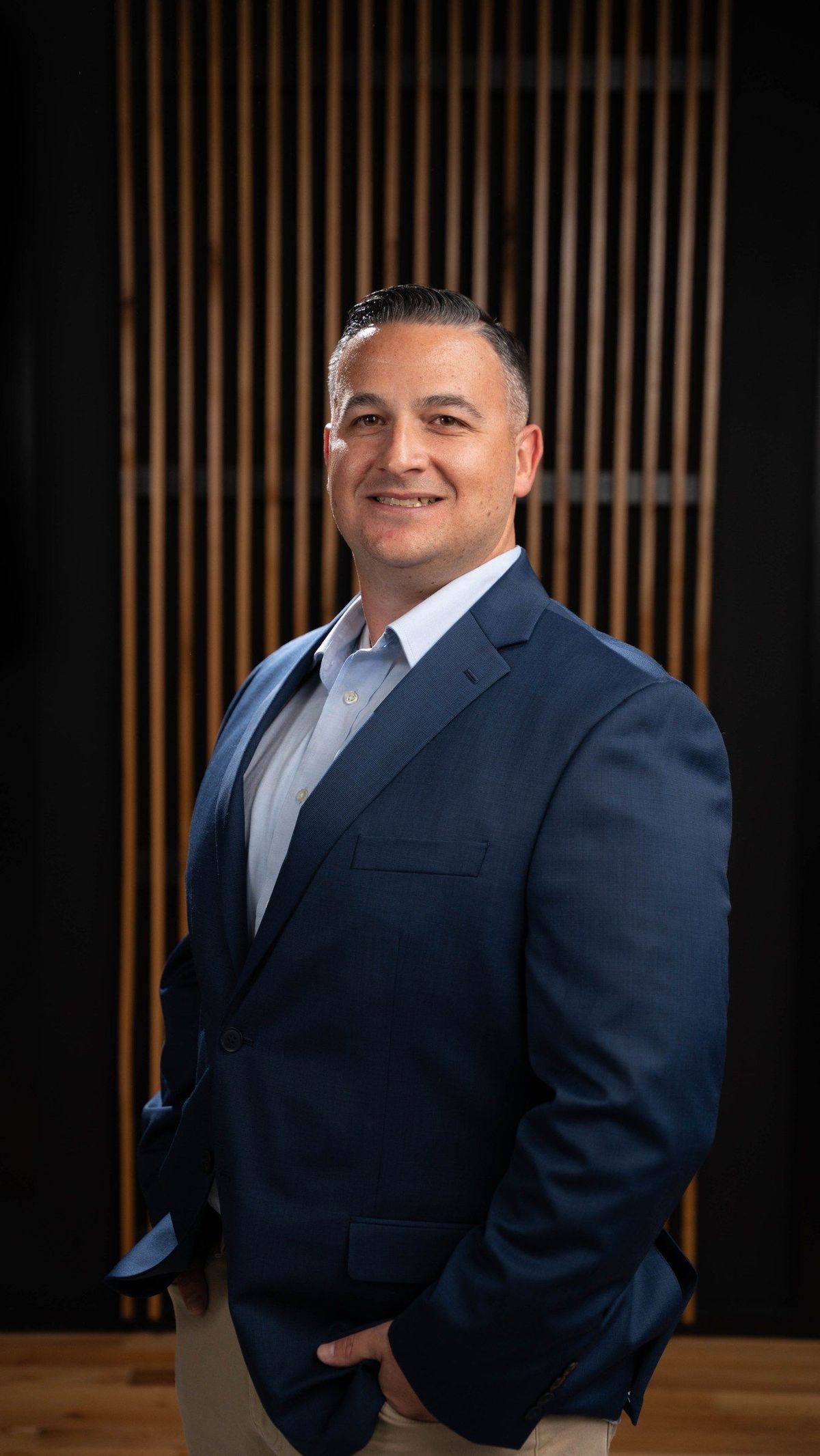
A team headshot event is the efficient way to do it. At a recent session for the Brooke Team, about eighteen people were photographed in one visit in front of the same background, with a few alternate poses, so the portraits sit together on a page as one set while each person still looks like themselves. You can see the whole set on the Brooke Team headshot event project.
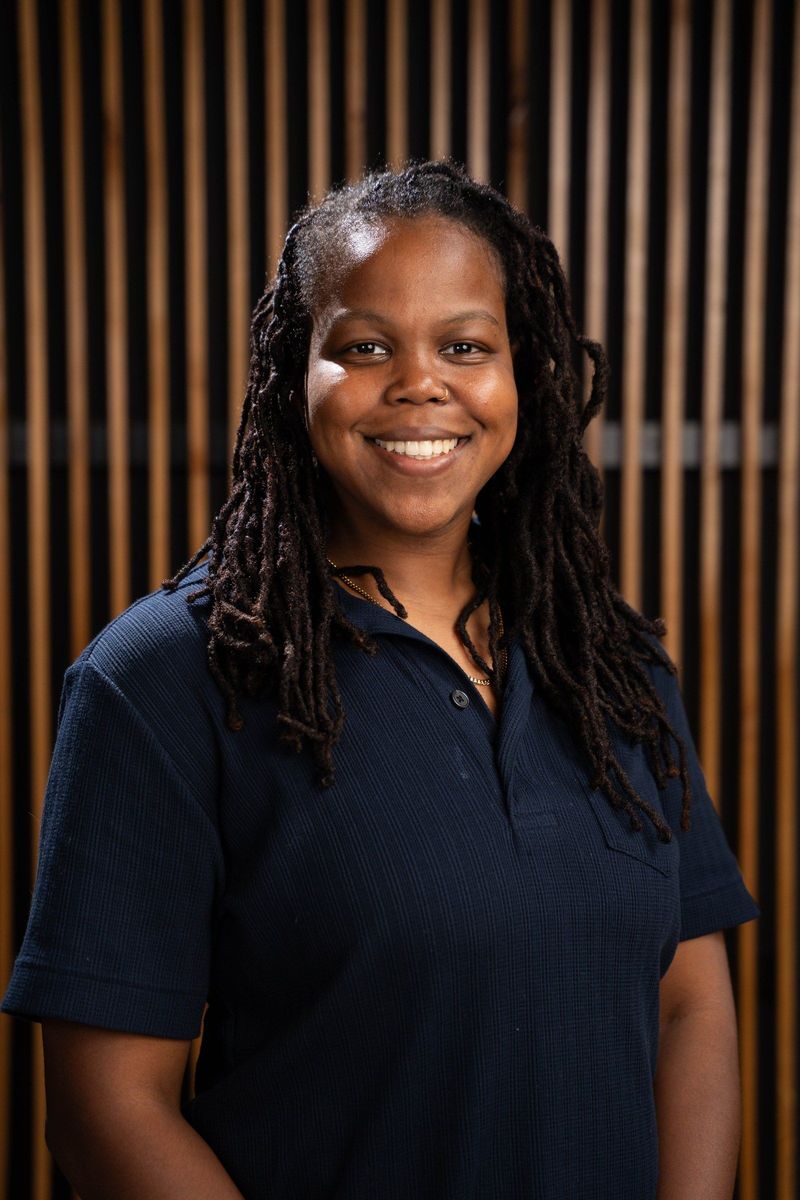
A single new team member can be photographed too. The Brooke Team new recruit session paired a polished headshot with relaxed outdoor portraits, so one person had both a formal profile picture and a more personal one.
Consistent portraits are the first layer of a personal-brand plan. They give every person the same polished starting point, and the video ideas below build on them.
If you are planning a session, our guide to preparing for team headshots covers scheduling, clothing and posing, and the headshots page explains what we provide.
Plan the individual bio video first
The first video each person records should be a short introduction. An employee bio video is a minute or so of one person saying who they are, what they do, who they help and what it is like to work with them. It is the video version of a bio paragraph, with more of the person in it.
Give everyone the same prompts so the videos fit together:
- What is your name and role?
- What do you do day to day, in plain words?
- What kind of customer or question do you enjoy most?
- What should someone expect when they first work with you?
- Is there something you like outside work you would be happy to mention?
Notice that the prompts are identical but the answers will not be. One person will be brisk and practical. Another will tell a short story. A third will be quiet and precise. All three are valid, and all three are useful to a customer who is trying to decide whether this is the right person to contact. You do not need to change anyone's style to make it fit; you need a consistent frame.
Keep the setting consistent as well. The same background, the same framing and the same audio setup make a set of bio videos read as a team page, even though each person speaks differently.
Follow with questions and explainers
Once everyone has an introduction, the next layer is answers. Every business has a list of questions customers ask again and again. Assign each question to the person who is best placed to answer it, and record a short, direct answer.
This is where an employee's expertise shows. A short explainer video in which a specialist answers a question in their own words builds trust in a way a written FAQ cannot. The viewer learns something and sees who is explaining it.
Some practical rules for these clips:
- One question per video. A long, wandering answer loses the viewer.
- Let the person speak the way they speak. A natural explanation beats a polished script.
- Put the question on screen at the start so the clip makes sense on its own.
- Match the clip to the person. If one team member is the go-to for a topic, they should be the face of it.
A customer who watches two or three of these will quickly learn which person is most relevant to them, which is exactly what a personal brand is for.
Show the work: process clips and a day in the role
The third layer is the work itself. People are curious about how things are done, and a clip that shows a task from start to finish tells a customer a lot about quality and care.
Process clips can be very short. A person shows the steps of a job, explains one decision they make and finishes. A day-in-the-role clip is longer and looser: a few moments from an ordinary day, with the person describing what they are doing.
Case examples fit here too, as long as they are real and the client agrees. A short description of a problem, what was done and how it was handled gives a viewer a concrete picture. Do not invent or exaggerate. If you do not have a story you are able to share, a plain process clip is better than a made-up one.
These clips also help with hiring. People considering a job at your company want to see the real work and the real people, which is why many teams reuse the same clips in recruiting video. One recording can serve customers and candidates both, and we explain how to plan that in our article on one shoot, many assets.
An example four-week plan
Below is a general example, not a record of what any particular client did. Adjust it to your team and your calendar.
| Week | Focus | What to record |
|---|---|---|
| 1 | Portraits and introductions | Consistent portraits for everyone, then a bio video using the shared prompts |
| 2 | Answers | One short answer per person to a question that fits their role |
| 3 | The work | A process clip or a short day-in-the-role clip from each person |
| 4 | Review and repeat | Look at what people liked, choose next questions, start the cycle again |
The plan works because it is a cycle, not a campaign. After week four, you go back to week two with new questions and keep going at whatever pace the team can sustain. Two clips a month from each person is plenty. The point is a steady stream, not a flood.
Make it optional, fair and clear
Personal-brand content only works if people are comfortable with it. A few ground rules protect both the employee and the company.
Participation is the person's choice. Some people enjoy being on camera. Others would rather help in other ways, such as writing, planning or appearing in a process clip with their hands only. Offer options and respect the answer.
Agree on approval in advance. Give each person a chance to watch their own video before it is published, and be clear about what they can ask to change. People are more relaxed on camera when they know they will see the result.
Decide who owns what. Write down, in plain language, where the videos will be used, how long they will stay up and what happens if the person leaves the company. Ownership and usage questions can have legal weight, so have your own adviser review the agreement. We can help you think through the practical side, but we are not offering legal advice.
Do not make assumptions about people. Never decide what someone will be good at, or what they should talk about, from how they look. Ask them what they know and what they would like to explain. A person is the best judge of their own expertise.
Keep claims honest. A good video helps customers get to know someone. It does not guarantee that they will trust the person or become a customer, and your descriptions should not suggest otherwise.
Keep the company identity consistent
With many voices, a few shared elements hold everything together:
- A common frame. Same background, same framing, same audio quality for every bio and answer.
- A common title style. Name, role and the question or topic in the same position and typeface every time.
- A common length. If most clips run under a minute, a viewer learns what to expect.
- A common home. Gather the videos on one page of your site, and share them from the company account as well as personal ones. Our social media video page describes how we plan vertical clips for several platforms from one session.
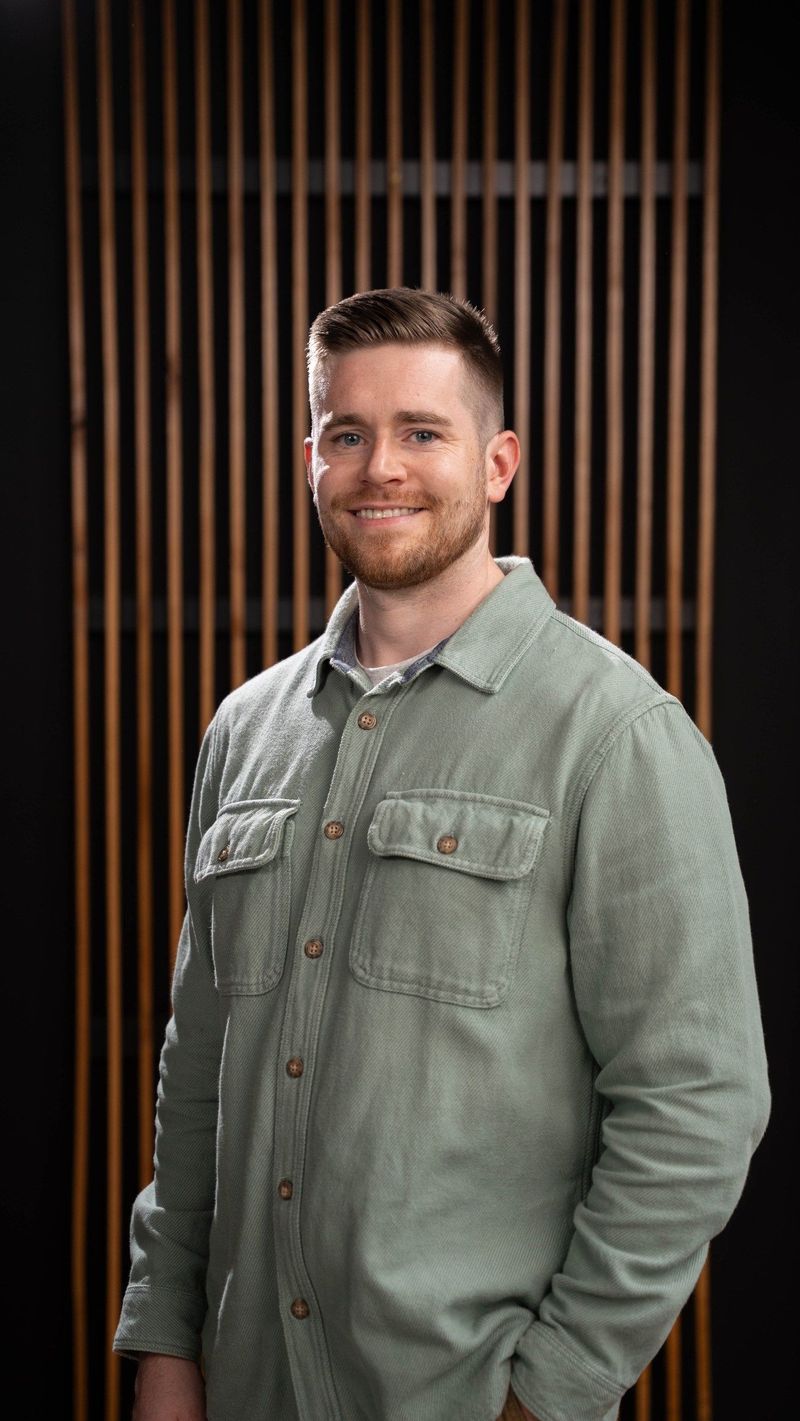
The aim is a set where you can tell the videos belong to the same company within a second, and yet each person comes across as an individual. For more on turning real questions into short clips, see our guide to short-form video for local businesses.
Getting started
You do not need to do everything at once. Begin with portraits, since they are useful immediately. Choose two or three people who are willing to go first, record their bio videos with the shared prompts, and see how they look together. Then add answers, then process clips, and let the plan grow as the team gets comfortable.
If you would like help, we can plan a session around your people and your questions, and record portraits and video in the same visit. Describe your team and what you want customers to know, and we will suggest a plan that fits.