Photography
Can new employee headshots match our existing team photos?
How to match a new hire's headshot to your current team page: gather original reference photos, compare light, background, framing and finish, test in the real layout, and keep a record for the next person.
By Tyler Rivera 12 min read
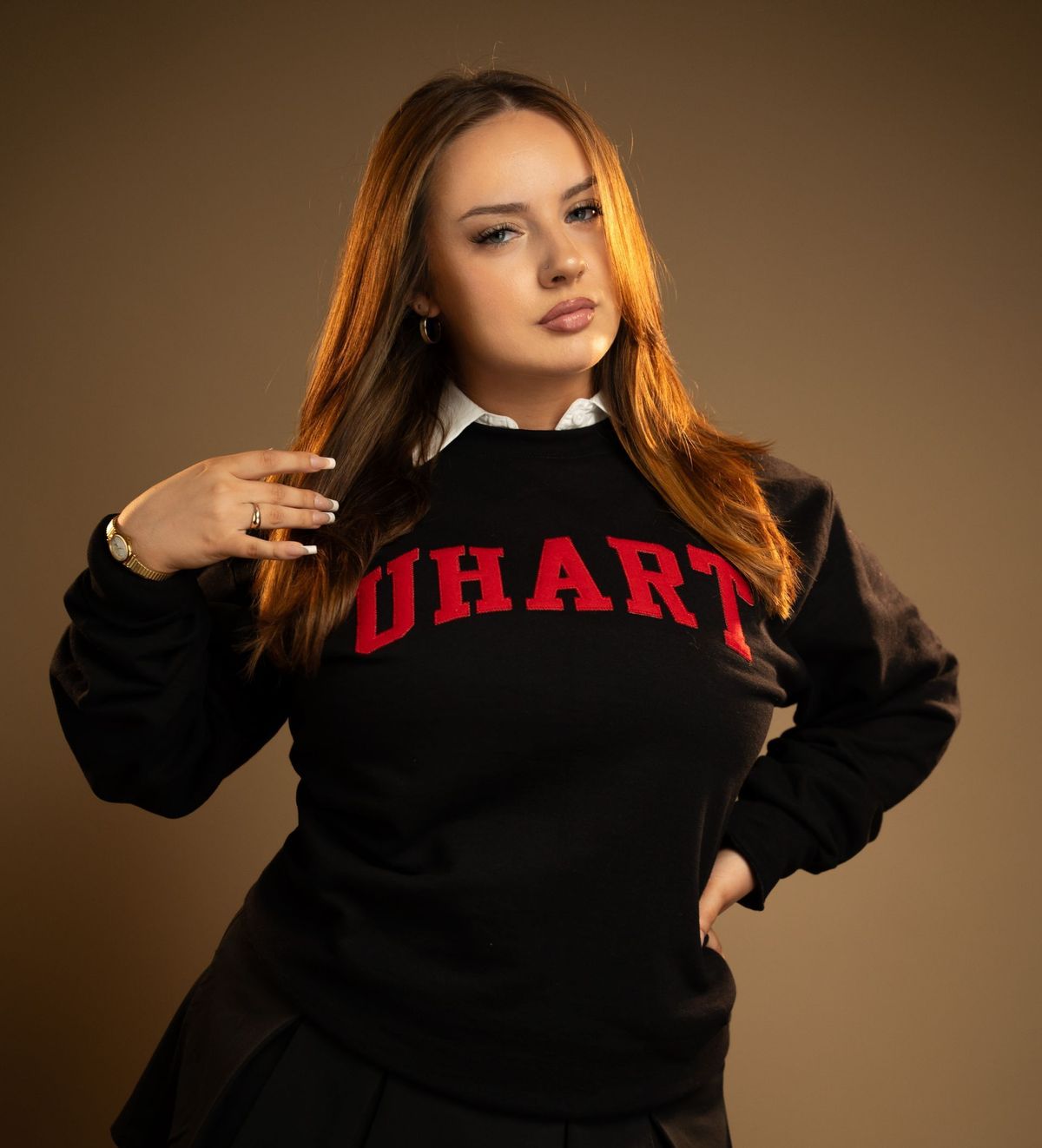
Often yes, a new employee's headshot can be made to look like the rest of your team page, but not always exactly, and how close you get depends on what you still have from the original session. The best starting point is a handful of the original, full-size photos, not a screenshot of the website. From those we can read the lighting, background, distance, framing and finishing, build a test frame, and check it in the real team page layout before anyone else is photographed. Where the original setup is gone or was inconsistent to begin with, the honest options are to approximate it or to plan a gradual refresh. This guide explains how to gather the evidence, what to compare and how to approve a match.
Our corporate headshots page describes how a session runs, the portfolio shows examples of backdrops and lighting, and the photography overview covers the wider range of portrait work. This article is only about matching a new person to photos that already exist. For the day-of schedule see our guide on organizing headshots for 30 employees, and for budget questions see the headshot budget guide.
What should we collect before the new person is photographed?
Gather several original images of different people from the earlier session, not one. Original means the full-resolution files delivered to you, not the version that has been compressed, resized or cropped for a web page. A screenshot of your team page is useful as a guide to how the portraits sit together, but it has been through compression and cropping, and many details (the softness of shadows, the tone of the background) are weaker in it.
A good reference set looks like this:
- Three to six original photos of different people, including both lighter and darker skin tones and different clothing colors if you have them
- The page or document where the photos appear, so we can see the crop, size and neighboring images
- The original photographer's notes or the invoice description, if you have them, such as backdrop, location, lens or whether the session was in an office
- The date, since changes in the room, the window light and the team's hair and clothing tell their own story
- Any style direction you remember: formal or relaxed, serious or smiling
If you only have web versions, say so. We can still work from them, but we will tell you what we cannot judge, and we will plan a test frame to confirm.
Is the existing look deliberate or accidental?
Before matching anything, decide what you are matching. Some teams have a clearly chosen style: the same backdrop, similar framing, a consistent edit. Others have a page where each portrait came from a different phone, window and day. Matching a deliberate style is a reasonable goal. Matching an inconsistent one means picking which photo is the target.
Look at the whole set and ask:
- Do most portraits share a background tone and distance, with a few outliers?
- Are the outliers older photos, remote staff or selfies?
- Which three or four portraits do you like best and consider typical of the company?
If the set was never consistent, the new photo should follow the best examples, not the average. And if the old style looks dated or poorly lit, you face a choice that we describe near the end: copy it for the sake of a uniform page, or use the new person as the first step in a refresh.
What do we compare when we study the reference photos?
This is the technical heart of a match. We look at each of the following, and the checklist below is something you can use with any photographer.
| What to compare | What we look for | Why it matters |
|---|---|---|
| Light direction | Which side the main light is on, and how high | Shadows that fall differently make faces look like they came from different places |
| Light softness | Edges of shadows on the cheek and neck, from crisp to gradual | Soft and hard light change how skin and texture read |
| Fill and shadows | How dark the shadow side is | A bright, even look and a moody look do not sit comfortably side by side |
| Catchlights | Shape, size and position of the reflections in the eyes | They hint at the type and position of the light |
| Background tone | Light, mid or dark, and any gradient | A tonal shift stands out immediately in a grid |
| Background texture | Seamless, painted, wall, office or outdoors | Texture and focus differ between a plain wall and a real room |
| Subject distance | How far the person is from the backdrop and the camera | It changes how soft the background is and how big the person appears |
| Camera viewpoint | Height of the camera relative to the eyes, and slight angle | Looking up or down changes jawlines and proportions |
| Framing and head size | How much of the frame the head fills, and where the eyes sit | Heads of different sizes in a grid look mismatched |
| Eyeline and crop margin | Where they are looking, and space above the head and at the sides | Tight and loose crops do not align on a page |
| Wardrobe and pose | Formality, jacket or not, shoulder angle, posture | The style of the picture depends on the clothing as much as the lights |
| Expression | Serious, warm or smiling | Mixed expressions can work, but a deliberate tone reads better |
| Exposure and white balance | Brightness and color cast of the background and skin | Visible differences appear when the page is laid out |
| Retouching and output | Level of cleanup, sharpness, contrast, crop ratio, file format | A heavy edit beside a natural one is obvious |
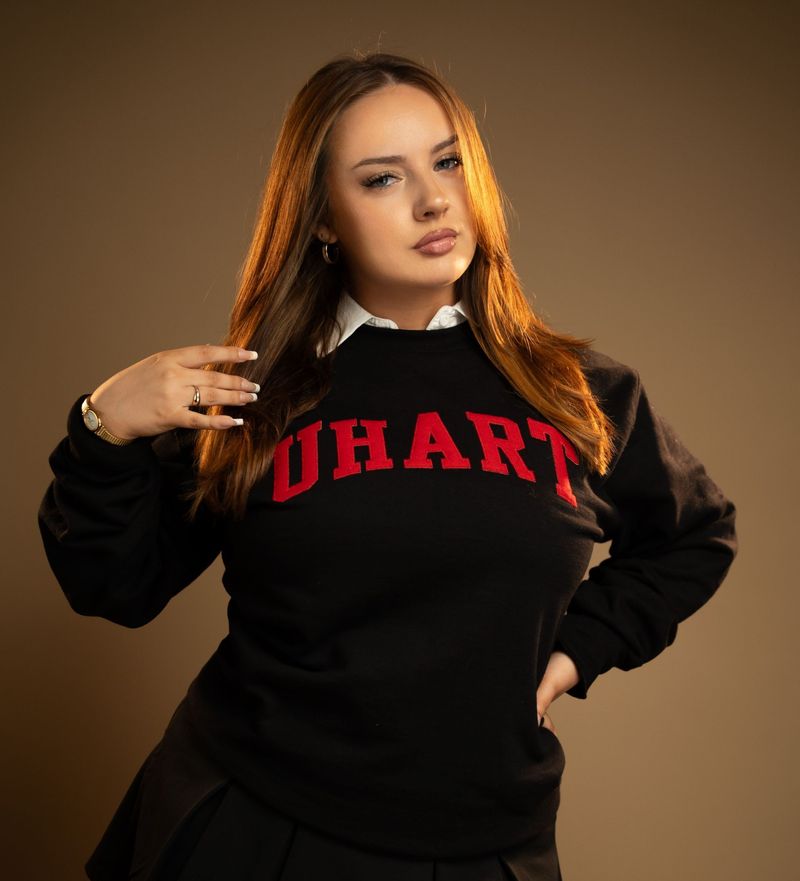
Two points deserve more detail. First, skin tone. A match does not mean making everyone's skin the same color, and we do not try to match skin values pixel by pixel across different people. It means keeping exposure and white balance consistent so each person looks natural and the background stays steady. Second, background. Many things that look like a colored backdrop are really a gradient of light falling on a wall. A match to a background tone involves the light on it and the distance to it, not just the paint color.
What if the original setup is not available?
Often it is not. The photographer may have moved on, the room may have changed, or the studio may be gone. That is workable but limits the result.
- If the room still exists, we can visit and compare the light, the wall and the available space.
- If you used a seamless paper or a studio backdrop and we know the color, we can try to approximate it with our own backdrop and lighting.
- If the originals were taken near a window, the natural light will not repeat. We can imitate the direction and softness with lights, but the day-to-day variation of window light is gone.
- If the photos were mixed, some indoors and some outdoors, there is no single setup to recreate. We would choose the nearest or best example.
Whatever we use, we describe it. A test frame is how we find out what is realistic.
How close can the match really get?
It depends on what the reference photos reveal and what the new photo can do with that information. Some things are controllable on the day: light direction and softness, background tone, subject distance, camera height, framing. Others are not, or only partly: a background that came from a real office, a location that has since changed, a lens choice that we can only infer.
Editing helps with some differences and not others. Color, tone and exposure can be brought closer to the set. Cropping can align head size and margin, if the frame has room. Cleanup can reduce distractions. What editing cannot reliably do is recover detail from clipped highlights or heavily compressed files, change the perspective of a photo taken from a very different angle or distance, or turn a harsh shadow into soft light. A reference image that was low resolution or compressed limits what we can learn from it as well. We will say so rather than promise.
We do not guarantee an exact match, especially when the new portrait is captured somewhere else or by someone else. A photo taken locally by us with the original details is more controllable than a remote photo made from a written brief.
Should we copy an old style that looks dated?
Sometimes the reference style is the problem. Maybe the lighting is flat, the heads are small in the frame or the background has a color you would not choose today. You have three honest options.
- Match it as closely as possible. The page stays uniform, which is helpful when people appear side by side and a refresh is not planned.
- Refresh everyone. This is the cleanest long-term answer when the budget and the team's time allow. A single new look across the team avoids any gap.
- Phase the refresh. The new person is photographed in the new style, and the older photos are updated over time, perhaps starting with the pages where they appear most. Until the change is complete, the page will show two styles, and it is better to be aware of that.
There is no universal answer. If a page is seen often by customers, a visible mismatch matters more. If the photos are for an internal directory, it may matter less. A group refresh also gives you the chance to record the details this article is about, so the next addition is easier.
What does a test frame look like, and who approves it?
Never photograph the entire group, or even the whole new-hire cohort, before a test. Our approach to approval is brief.
- Collect the references and agree what is being matched, using the checklist above.
- Set up and take a test frame of a staff member or of the new person, with the planned lighting and background.
- Place the test in the real layout. Put it into the actual team page or a mockup of it, beside the existing photos at the real display size. A single image on its own can look right and still be wrong in a grid.
- Review together. The coordinator and a second person look for differences in brightness, background tone, head size and crop.
- Adjust and approve. We change what can be changed, and you approve the frame. Only then does the full session proceed.
- Record the setup so the next person can be matched without starting over.
If the test fails in an area we cannot fix, we say so, and you decide whether to accept the difference, shift to a different style or plan a refresh.
What about local capture versus a remote brief?
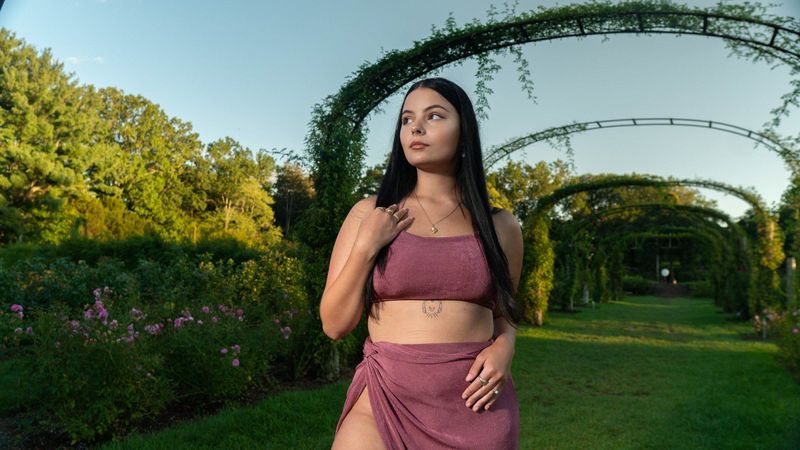
When we photograph a new person ourselves, we can control the background, lights, distance and framing, and we can test against your references. That is the strongest route to a close match.
A remote brief is a different situation. If the new employee is in another state, or at a branch we do not visit, the options include a written guide for the person or a local photographer, a visit when they are near, or a simple phone setup following instructions. These can produce a good, consistent-looking photo, but the lights, lens and room are not ours to control. In that case we describe what to expect, and we do not promise an exact match. A consistent crop and a similar background treatment in editing can narrow the gap, and sometimes the right answer is to treat the remote photo as an acknowledged exception.
A hypothetical example: adding one person to a 12-person team page
This invented example shows the process. It is not a Legend job and does not describe a real client.
Imagine a 12-person professional office with a team page of matching portraits. A new associate joins. The office manager sends four of the original full-size photos, a screenshot of the team page and a note that the earlier session was in a conference room against a gray wall, about two years before. The earlier photographer is no longer in touch.
From the originals we notice that the main light came from the left and slightly above, with a soft shadow on the right side of the face, and that the gray wall was mid-tone with a gentle gradient. Heads fill about the same share of the frame, with a modest margin above. The finish is natural, with light cleanup. The conference room has changed, and the office now has a window on the left that was not there before, which we plan around.
We set up in a room with a similar wall, check the direction and softness of the light against the references, and photograph a test frame. The office manager places it into the team page. The new portrait looks slightly brighter on the background, so we lower the exposure and adjust the crop to match the head size. The second test passes. The office manager approves it, we photograph the associate, and we write the capture record so that the next addition is easier.
What belongs in the capture record for later hires?
The most useful thing you can do after any headshot session is to keep a one-page record. If you hire often, it saves the most time. Include:
- The date, location and room, with a photo of the setup if possible
- Backdrop type and color, and distance from the subject to the backdrop
- Light positions and their relative height and distance, described in plain words
- Camera height, approximate lens and distance from the subject
- The framing: head size, margins and aspect ratio of the final crop
- Wardrobe guidance given to the team
- Editing notes: exposure, white balance, retouching level and output size
- Where the original files are stored, and who can access them
With that record, a later session can begin from the same plan, and the test frame becomes a confirmation, not a search. If the new person is also recording a short introduction, see whether you can record employee introduction videos during headshot day. If you are working with us, we can help you write this down at the session, and you should keep a copy.
Frequently asked questions
Can you match a photo from a different photographer?
Often partly. With full-size originals and a test frame we can approach the look, but the closer the earlier setup was to a simple, repeatable one, the closer the match.
Is a screenshot enough?
It is a useful start for layout and overall tone, but it has been compressed and cropped. We ask for original files so we can judge light and detail properly.
Can editing fix a mismatch afterward?
Editing can adjust tone, color and crop within limits. It cannot reliably recover clipped or heavily compressed detail or change the perspective of a photo, so it works best after a well-planned capture.
How many new people do we need before a refresh makes sense?
There is no fixed number. The better question is how visible the difference is on the pages that matter most, and whether the older photos still represent the company the way you want. Get in touch through the contact page and we can talk through your case.
Do you promise an exact match?
No. We describe what can be controlled, test it, and tell you what remains different.